
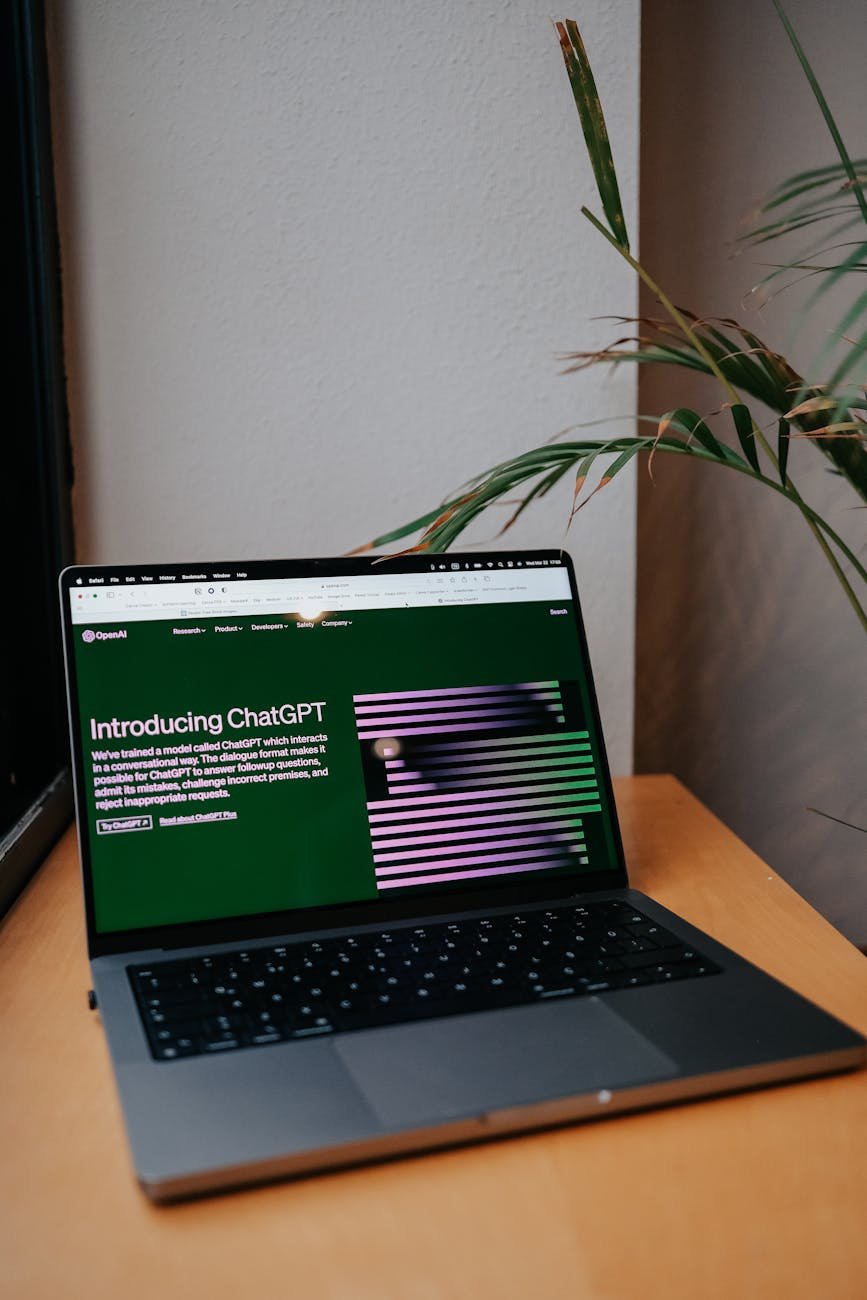
Navigating the AI Revolution: Virtual Assistants and Automation
Estimated Reading Time: 5 minutes
Key Takeaways:
- AI technology has tremendous potential for business efficiency.
- Begin automation gradually by identifying repetitive tasks.
- Not all tasks are suitable for AI; human touch is vital.
- Small businesses can implement AI without massive budgets.
- Balance is key in integrating AI with human workforce.
Table of Contents:
The Rise of AI-Powered Virtual Assistants
The trend of incorporating AI into daily business operations isn’t just a flash in the pan. It’s a genuine evolution in how tasks are completed. Among the most promising applications are AI-powered virtual assistants. These are not just chatbots responding with static answers; they can manage workflows, schedule meetings, or even analyze data reports to help you make informed decisions quickly. For many businesses, this means replacing routine administrative tasks that once consumed countless hours.
Amazon, for instance, has been integrating more AI solutions in its fulfillment processes. With AI systems managing inventory better, they decreased storage costs by reducing overstock and waste. They’ve been able to drive customer satisfaction upwards while keeping operational costs grounded. Smart business moves are often about staying ahead, and AI is not something to be merely reactive about.
Practical Insights: Embrace Automation Gradually
You might be wondering, “Where do I even start with this?” A good approach is to take a gradual path toward automation. Identify repetitive tasks that are eating into your day. Imagine you run a 10-person agency and spend a large chunk of your week scheduling meetings, tracking project timelines, and following up with clients. Begin by piloting a tool like n8n, which allows you to automate workflows between your favorite apps without needing to become a coding wizard.
Let’s consider a practical example: You implement n8n to connect all your communication platforms—like Slack, Google Calendar, and Trello. When a client books a meeting through your online scheduler, an automated workflow kicks in. It sends them a confirmation email, creates a Trello card for that meeting until completion, and even sets reminders on your team’s calendars. This is all done seamlessly, saving your team hours of manual entry and the headaches that come with it.
The Limitations: Not All Tasks Are Fit for Automation
But let’s pump the brakes here for a second. While you might be tempted to automate everything in sight, that can lead to bigger problems down the line. Not every task is best suited for a machine. For instance, nuance in sales calls or the emotional intelligence required in customer support interactions still demands a human touch. If you throw in an AI tool too hastily, you risk aggravating client relationships rather than enhancing them.
Take the recent uptick in companies turning to AI for customer support. For example, Sephora has gained ground in using AI chatbots to guide customers through product selection. But this should not overshadow the importance of human representatives who can deal with more complex queries. Just because a tool can do something doesn’t mean it should.
What This Means for Small/Mid-Size Businesses
For small and medium-sized businesses, embracing AI isn’t about needing a massive budget. It’s about being smart with what you’ve got. Many small firms can easily implement simple automation in daily processes, freeing up time for more strategic tasks, such as customer engagement or innovative product development.
Let’s think about an independent retail shop. By using AI-powered inventory management systems, they might discover trends in customer buying patterns. If they notice spikes in specific products, they can increase orders before the busy season hits. These insights allow for smarter buying and better cash flow—crucial factors for survival in today’s competitive marketplace.
Integrating Automation & Workflow Tools
AI tools like Zapier and Integromat also make connecting different platforms easy and cost-effective. These workflow automation tools can link your email to a CRM system or set up notifications when team projects hit certain benchmarks. While these tools might seem rudimentary compared to more comprehensive systems, they can lead to significant impacts in day-to-day operations without breaking the bank.
These tools help businesses become more efficient, but remember: automation should complement your human workforce, not replace it. It’s essential to strike the right balance to maintain that unique human element in your interactions with clients and staff alike.
Many small businesses are eager to jump into this world, but doing so without a clear purpose can still lead to confusion and disorder. Evaluate your operations carefully before diving in, and have measured expectations. Each step should provide you some real, tangible benefit, not just checking boxes.
As you plot your course through the AI landscape, keep in mind that the tools are there to serve you, not to revolutionize your existence.
Consider connecting with services like AITechScope, which specialize in navigating these shifts. They can help chart a path that aligns with your specific goals, ensuring you make wise investments into automation without the hype. You deserve to have tools supporting your business growth, not dictating your future.
So, whether you’re drowning in meetings or simply seeking ways to fine-tune your existing processes, think beyond the buzzwords. Structure your goals and assess the tools that can deliver results. In the end, AI and automation are allies. Just remember, like any good partnership, it’s about balance.
FAQ
Q: How can small businesses effectively implement AI?
A: Small businesses can start by identifying repetitive tasks and integrating simple automation tools like n8n or Zapier to streamline processes without extensive budgets.
A: Small businesses can start by identifying repetitive tasks and integrating simple automation tools like n8n or Zapier to streamline processes without extensive budgets.
Q: What tasks should not be automated?
A: Tasks that require emotional intelligence, like customer support interactions and nuanced sales calls, are best suited for human involvement rather than automation.
A: Tasks that require emotional intelligence, like customer support interactions and nuanced sales calls, are best suited for human involvement rather than automation.
Q: How can I balance automation and human interaction?
A: Strive to use automation to enhance productivity while ensuring that human touchpoints remain intact for more complex and sensitive interactions with clients and staff.
A: Strive to use automation to enhance productivity while ensuring that human touchpoints remain intact for more complex and sensitive interactions with clients and staff.